Included in: Enterprise
Accounting
Learn how Accounting fits into your Xfatora rollout.
Track every expense with clarity and control.
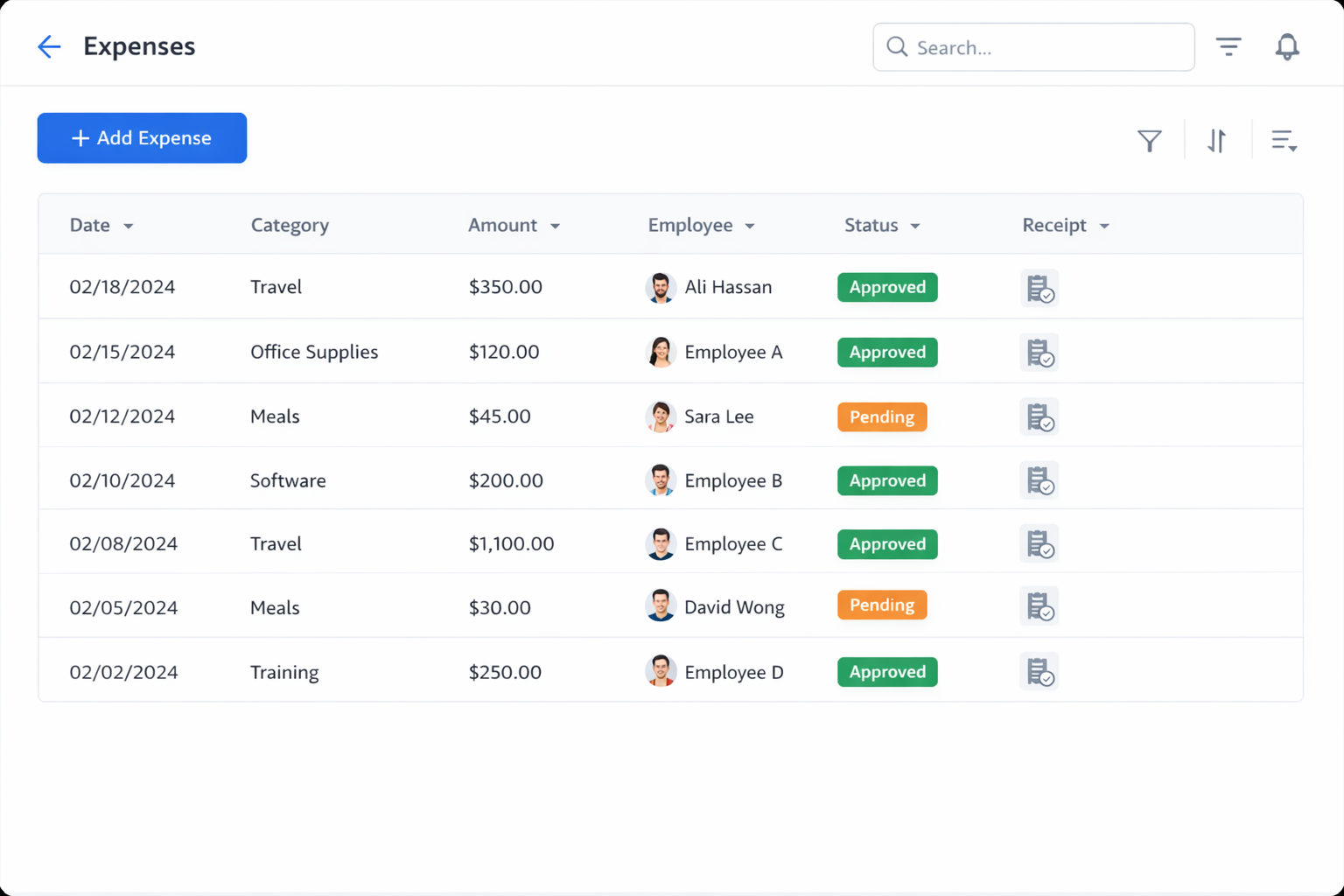
Record business expenses, attach receipts, categorize spend, and understand the impact on profitability.
Real screens from the platform.
Comprehensive feature set designed for operational excellence
Capture complete expense records so finance and operations teams can review cost context without chasing missing details.
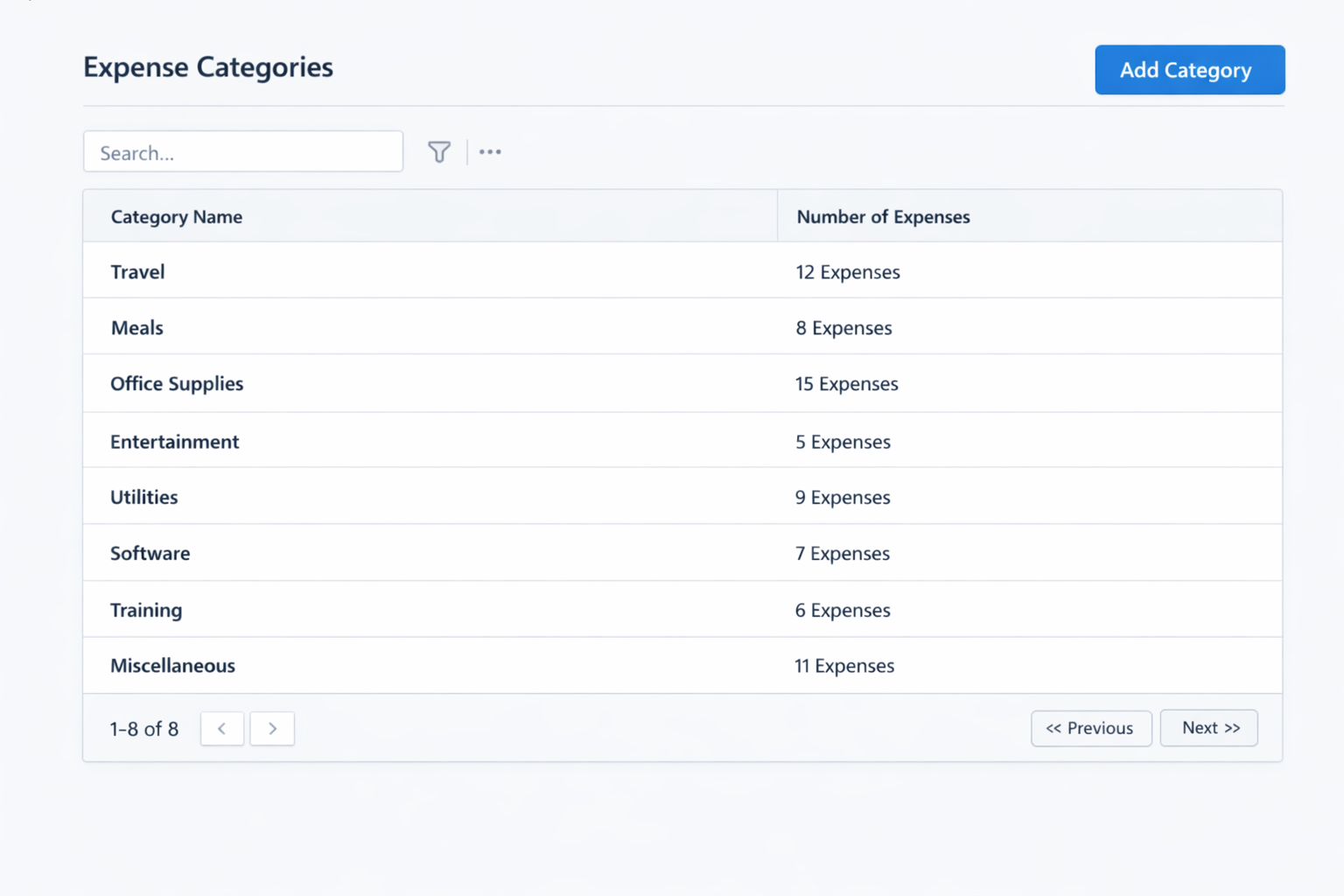
Keep spend organized using standardized categories and practical list filtering for day-to-day review.
Track customer-related costs separately so teams can recover billable spend and protect project margins.
Review spending patterns and profitability impact with focused expense reporting views.
Step-by-step processes to achieve your business goals
Record expense with date, amount, category, and notes
Attach receipt and confirm payment method
Mark billable when applicable and link to customer or project
Review approvals or reimbursement status as needed
Invoice billable items and monitor uninvoiced balances
Review monthly reports for category and profitability trends
Practical guides to help you rollout and validate workflows.
Choose the plan that fits your business needs
Join hundreds of businesses already using Xfatora to streamline their operations
User guide
Setup checklist, key workflows, reports, and troubleshooting.
Tell us what you need and we will reply with a rollout plan and recommended modules.
Fields marked with are required.
Learn how Accounting fits into your Xfatora rollout.
Learn how Assets fits into your Xfatora rollout.
Centralize asset records, assignments, lifecycle status, maintenance history, and depreciation visibility.
Shift, attendance, and leave approvals with clear policy controls.
Learn how core-accounting fits into your Xfatora rollout.
Learn how crm fits into your Xfatora rollout.
Connect sales, fulfillment, invoicing, and collections to reduce revenue leakage and improve cash conversion.
Tie material usage, labor capture, and overhead allocation to each production order for reliable margins.
Schedule preventative maintenance and coordinate work orders to minimize vehicle downtime.
Track delivery effort, direct costs, and billing performance to protect project margins.
Manufacturing ERP guidance for production scheduling, material planning, quality control, and real-time shop floor visibility.
Distribution ERP guidance for inventory turns, fulfillment performance, supplier coordination, and multi-warehouse control.
Professional services ERP guidance for project staffing, utilization tracking, milestone billing, and profitability management.
Healthcare ERP guidance for procurement governance, department budgeting, workforce planning, and regulatory readiness.
A practical, phased guide to planning, launching, and scaling ERP adoption across teams with measurable outcomes.
Module-by-module setup checklists, workflows, reporting, and troubleshooting to help teams roll out Xfatora in phases.
Practical guidance for enabling Saudi ZATCA QR and electronic invoicing compliance workflows, plus global e-invoicing processing and operational controls.