Solutions by industry
ERP that starts with how your industry works.
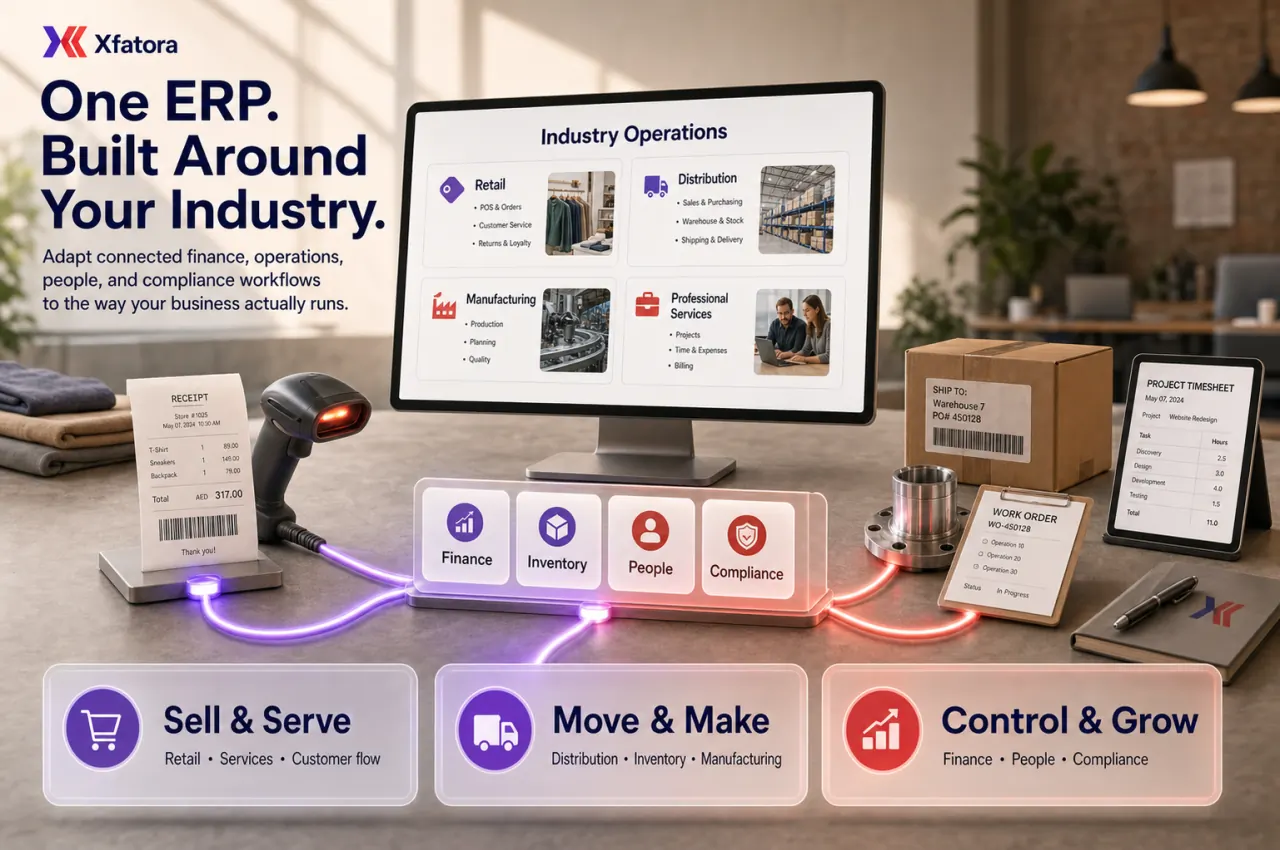
Explore connected operating paths for fourteen industries, with clear product status, annual packages, and a phased implementation plan.
Production & Trade
Manufacturing & Factories
Connect planning, production, quality, and traceability in one factory operating flow.
Explore workflow →Supplies, Wholesale & Distribution
Keep purchasing, stock, fulfillment, customer commitments, and margins connected.
Explore workflow →Retail & Multi-Branch Stores
Run fast checkout with one sellable catalog, controlled stock, and consolidated branch visibility.
Explore workflow →Restaurants, Cafés & Food Service
Move every order from table or channel to kitchen, payment, and ingredient consumption.
Explore workflow →Equipment & Appliance Sales and Service
Connect the sale, stock item, equipment record, warranty, service case, and financial impact.
Explore workflow →Assets & Field Operations
Property Development
Control projects, unit inventory, reservations, collections, commissions, and handover.
Explore workflow →Shipping, Courier & Last-Mile
Coordinate shipments, assignments, proof, exceptions, and billing from one record.
Explore workflow →Transport & Fleet Operations
Give operations one view of vehicles, drivers, assignments, maintenance context, and cost.
Explore workflow →Construction & Contracting
Connect project scope, site purchasing, time, stock, assets, approvals, and cost.
Explore workflow →Facilities, Assets & Maintenance
Build an accountable lifecycle record for equipment, locations, custody, service, and cost.
Explore workflow →Services & Care
Clinics & Outpatient Care
Connect appointments, patient flow, role-aware encounters, billing, payments, and reporting. Early Access.
Explore workflow →Professional Services & Project Delivery
Turn proposals into staffed, measurable, billable client delivery.
Explore workflow →Nonprofits, Charities & Beneficiary Care
Protect beneficiary context while making programs, assistance, inventory, and finance accountable.
Explore workflow →Warranty & After-Sales Service
Connect entitlement, service cases, parts, responsibility, resolution, and cost.
Explore workflow →Do not see an exact match?
Start with the closest operating model and we will help define the modules and scope without claiming unsupported capabilities.