Workload by employee, team, department, date range, and planning window
 Module
Workload planner and capacity planning ERP software
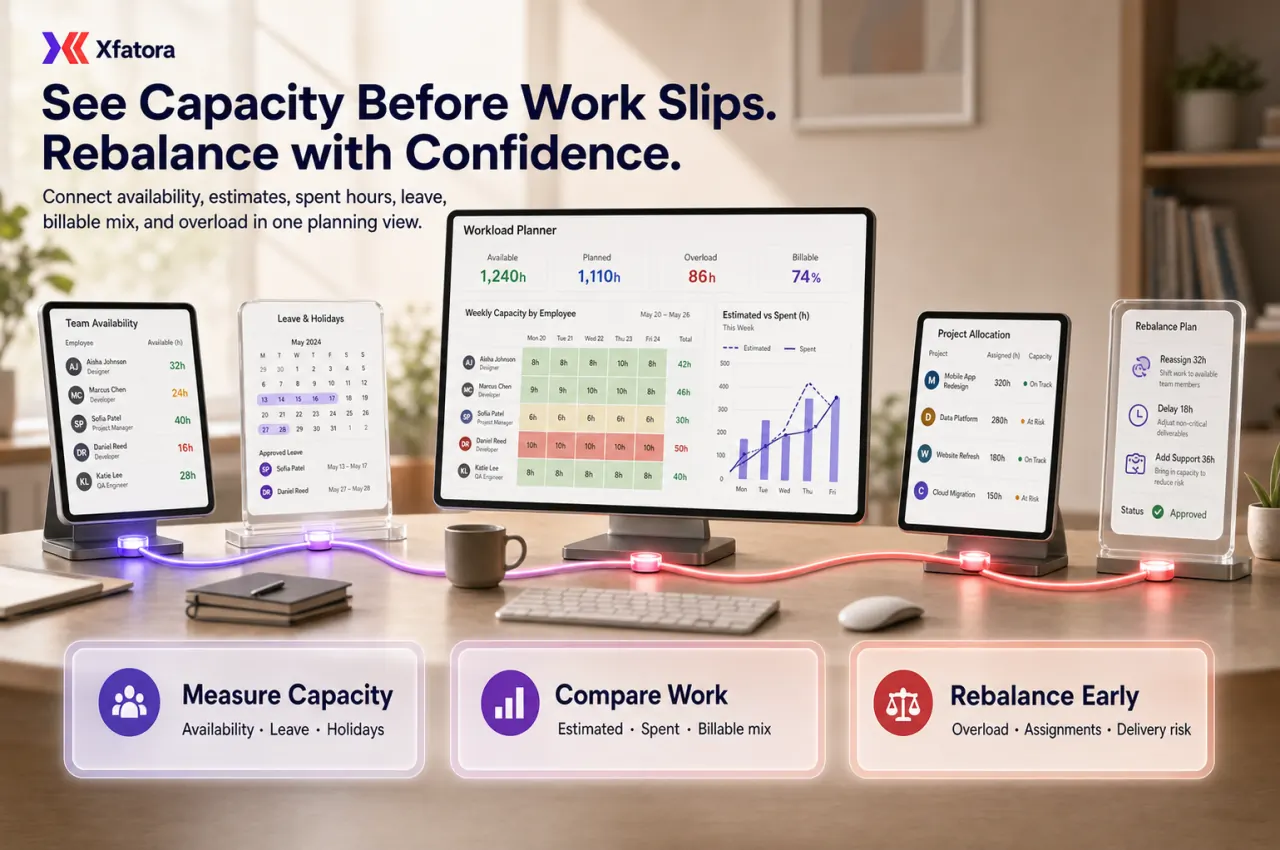
Plan team capacity, compare estimated and spent hours, detect overload, account for leave, and rebalance billable and unbillable workload before delivery risk grows.
Xfatora Workload Planner helps PMO leaders, delivery managers, department heads, and operations teams align project demand with realistic staff capacity, leave impact, effort drift, billable mix, and overload signals.

Approved app available now
Take HR & People to the frontline.
Bring attendance, leave, schedules, employee records, permission-aware payroll access, workload, and goals closer to every role.
What this module helps you control
Estimated hours, spent hours, total estimated time, and total spent time
Capacity, Total Capacity, Total Available Cap, and standard workload per day
Estimated hours overload, spent hours overload, and Total overload hours
Holiday, leave, working days, and reduced-availability impact on planning
Billable and unbillable workload mix across active projects
Staff exceptions, custom capacity rules, and non-standard availability
Timeline and chart views for early overload and free-capacity visibility
Department-level capacity conversations before project delivery slips
Handoffs to Projects, Attendance, HR records, OKRs, and reporting exports
Business outcomes teams expect
Detect team overload earlier so managers can intervene before deadlines slip.
Balance planned work against actual available capacity instead of optimistic assumptions.
Compare estimated and spent effort in one view to improve forecast correction.
Plan staffing and delivery by department or team using consistent workload signals.
Expose hidden bottlenecks where a small group is carrying disproportionate workload.
Improve billable-capacity use by separating billable and unbillable workload context.
Understand holiday and leave impact before commitments become unrealistic.
Run faster weekly management reviews across clear planning windows.
Prioritize scope, sequence, and resourcing decisions when teams are overcommitted.
Reduce reactive firefighting caused by unnoticed overload accumulation.
Screenshots
Real screens from the platform.
What teams use most in this module
Practical capabilities that make day-to-day execution faster, cleaner, and easier to govern.
Workload Overview
Use an operational overview to monitor Workload across employees, teams, and departments with date-range perspective and immediate visibility into overloaded versus available capacity.
Overview snapshot for delivery and PMO reviews
Employee, team, and department workload perspective
Date-range planning windows
Fast visibility into overloaded versus available staff
Management-friendly summary before planning meetings
Capacity Planning
Plan with Capacity, Total Capacity, and Total Available Cap using realistic workable time based on standard daily workload rules.
Capacity and Total Capacity visibility
Total Available Cap based on practical availability
Standard workload per day (hours) configuration
Total standard hours reference for planning windows
Allocation control aligned to workable time
Estimated vs Spent Time
Compare Estimated Hours and spent effort to detect execution drift and refine future planning assumptions.
Estimated Hours and spent hours in one view
Total Estimated Time tracking
Total Spent Time tracking
Plan-versus-execution comparison by window
Forecast correction when workload is drifting
Overload Detection
Identify overload early through Estimated hours overload, Spent hours overload, and Total overload hours signals.
Estimated hours overload visibility
Spent hours overload visibility
Total overload hours totals
Deadline-risk exposure before late delivery
Exception identification for management escalation
Timeline and Chart Views
Use Timeline and Chart views to scan busy and free capacity patterns quickly across planning periods.
Timeline view for workload over time
Chart view for visual workload interpretation
Period-based scan of peaks and gaps
Management-friendly visual summaries
Clear comparison of busy versus free capacity
Department, Team, and Employee Filters
Filter workload analysis by date range, department, team, and employee so local managers can run focused planning conversations.
Date-range control for planning windows
Department-specific filtering
Team-level drill-down
Employee-level workload review
Targeted management action by scope
Holiday and Leave Impact
Integrate Holiday and Leave effects into capacity calculations so allocation decisions reflect real availability rather than raw headcount.
Holiday integration into planning windows
Leave integration into available capacity
Working days of the week support
Reduced-capacity visibility during absences
Planning based on real workable days
Billable vs Unbillable Workload
Review list of billable projects and list of unbillable projects with billable expected context to balance utilization and delivery priorities.
List of billable projects visibility
List of unbillable projects visibility
Billable expected reference in planning
Capacity-mix visibility by commercial impact
Prioritization support for delivery and utilization goals
Staff Exceptions and Capacity Overrides
Apply Staff exception controls for non-standard availability so workload totals remain accurate for real team conditions.
Staff exception handling
Customized standard workload when required
Support for reduced-capacity schedules
Exception handling for non-standard patterns
More accurate planning outcomes
Statistics and Reporting Views
Use operational statistics to review workload dynamics without turning Workload Planner into a generic BI module.
Statistics by estimate hours
Statistics by spent hours
Statistics by departments
Number of tasks visibility
Utilization-style signals for manager review
Start with this workflow
Follow these structured steps to launch one controlled process first, then expand.
Workload planning rollout readiness
1
Define teams, departments, planning windows, standard workload per day, and exception rules
2
Choose the first planning review to stabilize: overload, estimated vs spent, leave impact, or billable mix
3
Prepare one overloaded team example with active projects, tasks, estimates, spent hours, and leave context
4
Review capacity, Total Available Cap, overload hours, and billable/unbillable mix with managers
5
Agree weekly actions for rebalancing, reprioritizing, delaying, or adding support
Review team workload for the next planning window
1
Choose date range
2
Filter by department or team
3
Review workload and capacity totals
4
Identify overloaded employees or teams
5
Rebalance assignments or escalate resourcing needs
Compare estimated vs spent effort
1
Open workload overview
2
Review Estimated Hours
3
Compare with spent hours
4
Identify gaps or overruns
5
Adjust future planning assumptions
Plan around leave and holidays
1
Review upcoming date range
2
Account for Holiday and Leave impact
3
Observe reduced available capacity
4
Shift work or reassign resources
5
Confirm delivery window remains realistic
Review billable vs unbillable allocation
1
Review project mix
2
Separate billable and unbillable work
3
Inspect Billable expected capacity
4
Rebalance where utilization targets matter
5
Align planning with commercial priorities
Handle staff exceptions
1
Identify employee with non-standard availability
2
Apply Staff exception or custom capacity
3
Review updated workload totals
4
Confirm planning remains realistic
5
Communicate updates to managers
Department-level capacity review
1
Filter by department
2
Review Statistics by estimate hours and spent hours
3
Review overload totals
4
Identify bottlenecks
5
Decide whether to reprioritize, delay, or add support
Who this module is for
PMO leads
Delivery managers
Department managers
Resource planners
Team leads
Operations leaders who need capacity visibility
Common problems this module helps solve
Teams accept new delivery work without checking realistic available capacity
Managers discover overload only after deadlines slip
Estimated hours and spent hours are reviewed in separate places or too late
Leave, holidays, and non-standard schedules are ignored in delivery planning
Billable and unbillable work are mixed, hiding utilization and priority tradeoffs
A few employees carry disproportionate workload without early visibility
Department managers cannot quickly see who is overloaded and who has room
Project commitments are made from headcount assumptions instead of workload evidence
Weekly planning meetings rely on static spreadsheets instead of current workload signals
Where teams apply this module
PMO teams reviewing capacity before committing to project timelines
Delivery managers balancing project demand across teams and departments
Professional services teams tracking billable and unbillable workload pressure
Implementation teams comparing planned effort with actual spent time
Department managers reviewing overload, leave impact, and staffing gaps
Operations leaders who need weekly workload, capacity, and exception review
Companies connecting project execution, attendance, HR records, and planning decisions
Connected records across modules

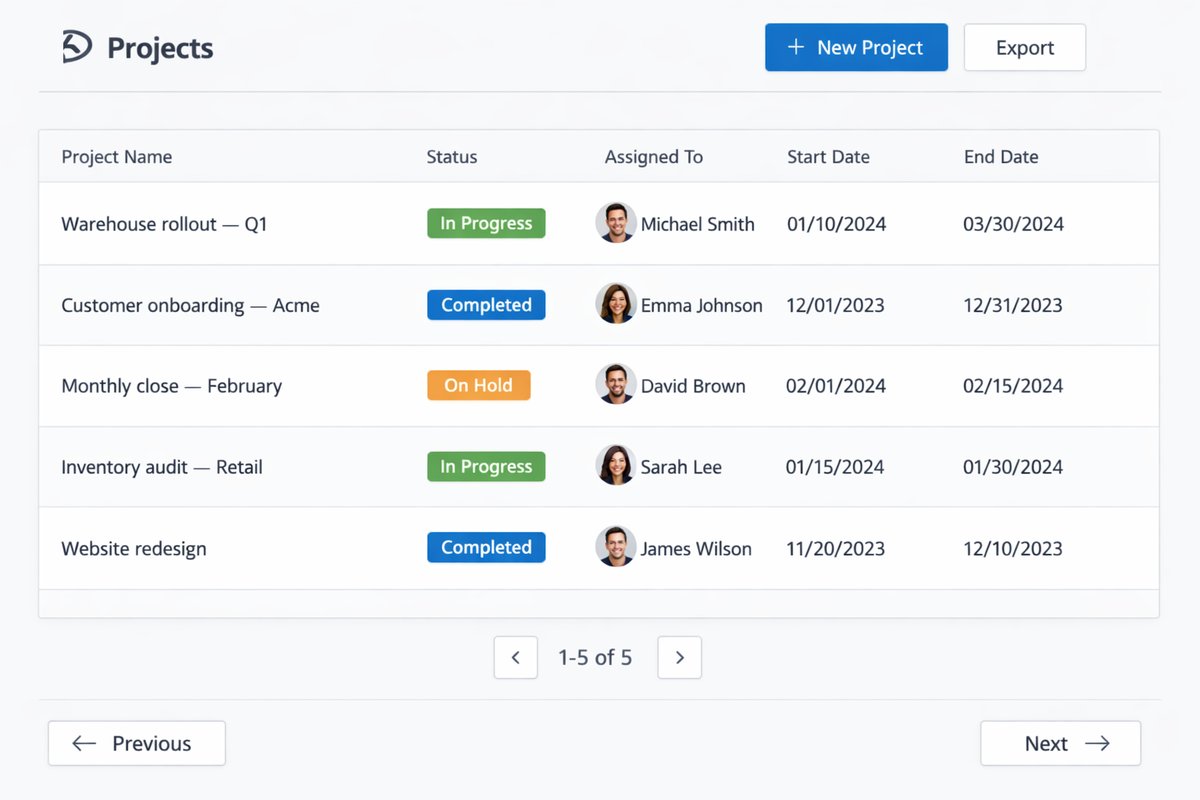
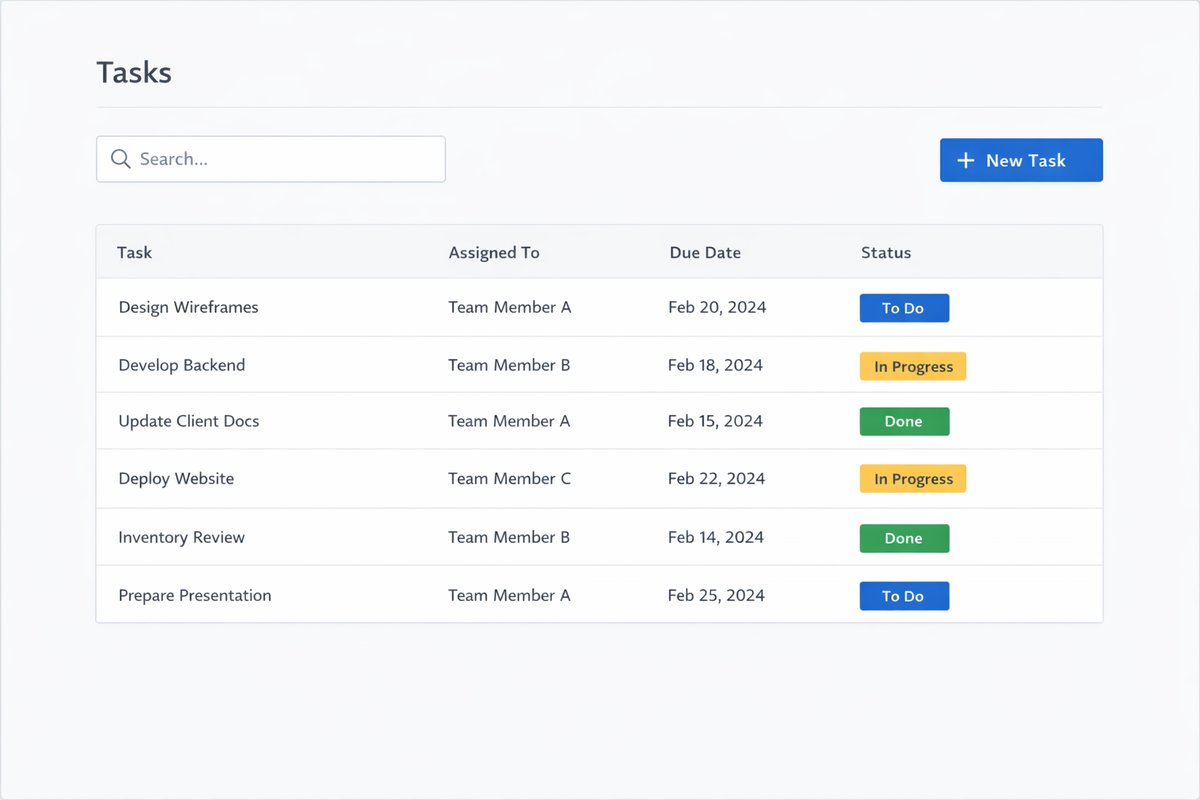
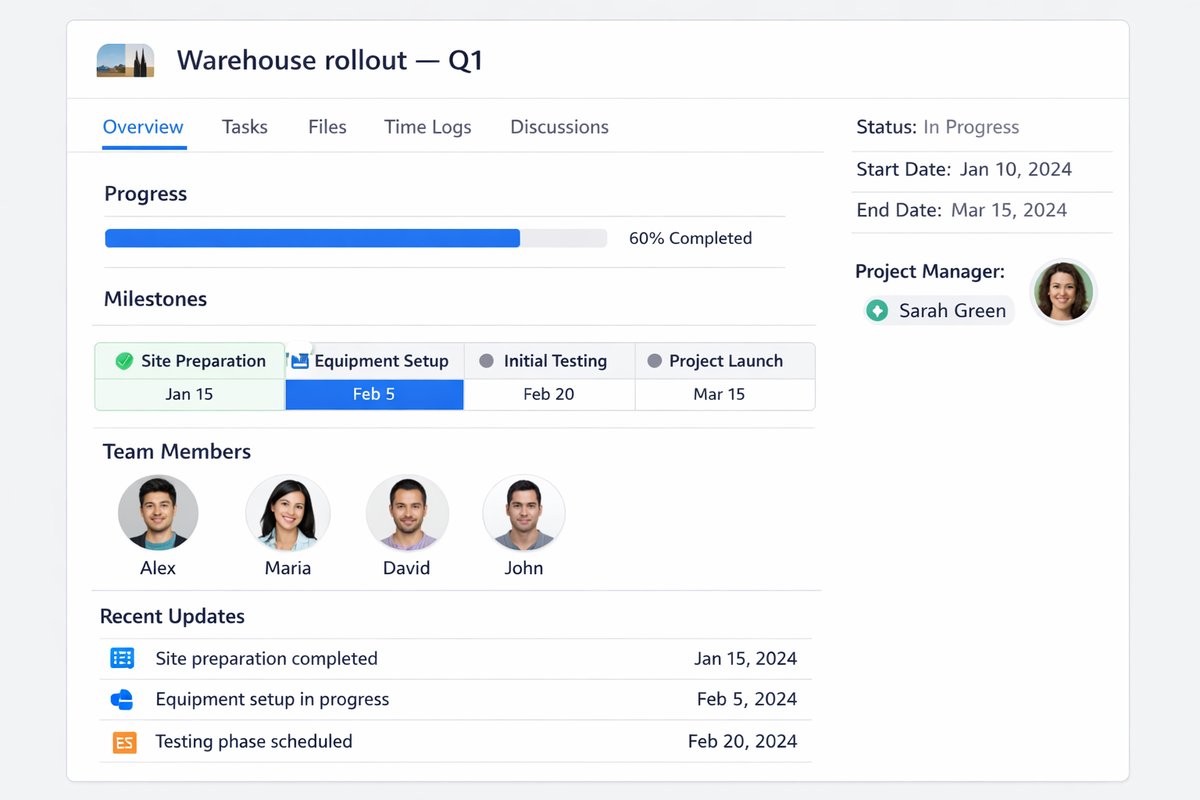
Projects and Services: tasks, milestones, and effort context feed workload and overload review.

Time and Attendance: leave, holidays, and attendance exceptions reduce available capacity for realistic planning.

HR and People Records: employee, team, department, role, and schedule context improve workload slicing.
OKR Management: capacity signals help leaders judge whether execution goals are realistic.
Smart Mentions: overload exceptions and blocked planning decisions can be escalated inside operational records.

Data Exporter: workload, capacity, effort, and exception slices can be exported for management review.
Built-in Reports & Analytics
Workload overview by employee, team, department, and period
Capacity totals including Total Capacity and Total Available Cap
Overload totals including estimated overload, spent overload, and Total overload hours
Estimated vs spent effort drift by project, team, or department
Leave and holiday impact on available capacity
Billable vs unbillable workload planning context
Staff exception and custom capacity review
Department workload statistics and task count review
Weekly manager capacity review pack
Exportable workload and capacity slices for deeper analysis
FAQ
Can we plan capacity by employee, team, or department?
Yes. Workload Planner supports workload and capacity views by employee, team, and department with date-range filters.
Can we compare estimated and spent hours?
Yes. You can review Estimated Hours, spent hours, Total Estimated Time, and Total Spent Time in the same planning workflow.
Can we detect overload early?
Yes. Estimated hours overload, spent hours overload, and Total overload hours expose risk before delivery impact grows.
Can holidays and leave affect available capacity?
Yes. Holiday and Leave integration reduces available capacity so planning reflects real workable time.
Can managers review billable vs unbillable workload?
Yes. Workload Planner includes list of billable projects, list of unbillable projects, and Billable expected context.
Can we handle staff exceptions or non-standard schedules?
Yes. Staff exception controls support custom standard workload and non-standard availability patterns.
How is this different from Projects?
Projects manages execution details; Workload Planner focuses on capacity, overload risk, and allocation balance across teams.
How is this different from Time & Attendance?
Time & Attendance captures attendance and leave transactions; Workload Planner uses availability impact to improve planning decisions.
Is this mainly for planning or for time capture?
It is primarily a planning and balancing module, not a time-capture replacement.
What should managers review every week?
Review date-range workload totals, capacity and available capacity, overload signals, estimated-versus-spent drift, and exceptions by team or department.
How is Workload Planner different from Projects?
Projects controls execution records, milestones, tasks, dependencies, and closure. Workload Planner focuses on capacity, overload risk, estimated-versus-spent drift, leave impact, and allocation balance.
Can leave and holidays reduce available capacity?
Yes. Leave, holidays, working days, and staff exceptions should reduce Total Available Cap so planning reflects realistic workable time.
Can managers compare estimated and spent hours?
Yes. Estimated hours and spent hours help managers see effort drift and correct future planning assumptions before overload becomes delivery delay.
What should we prepare before a workload planning demo?
Prepare one overloaded team example with people, departments, projects, tasks, estimated hours, spent hours, leave or holiday context, and one billable versus unbillable tradeoff.
Plans that include this module
Confirm commercial fit before rollout planning.
Enterprise Plan
Ready to evaluate Workload planner and capacity planning ERP software with your team?
We will map this module to your current process, owners, controls, and rollout timeline.
User guide
How to use Workload planner and capacity planning ERP software
Setup checklist, key workflows, reports, and troubleshooting.
Request a Demo
Tell us what you need and we will reply with a rollout plan and recommended modules.
Fields marked with * are required.