Team inboxfor conversations and routing
WhatsApp Business inside Xfatora
Turn WhatsApp conversations into structured sales and service work.
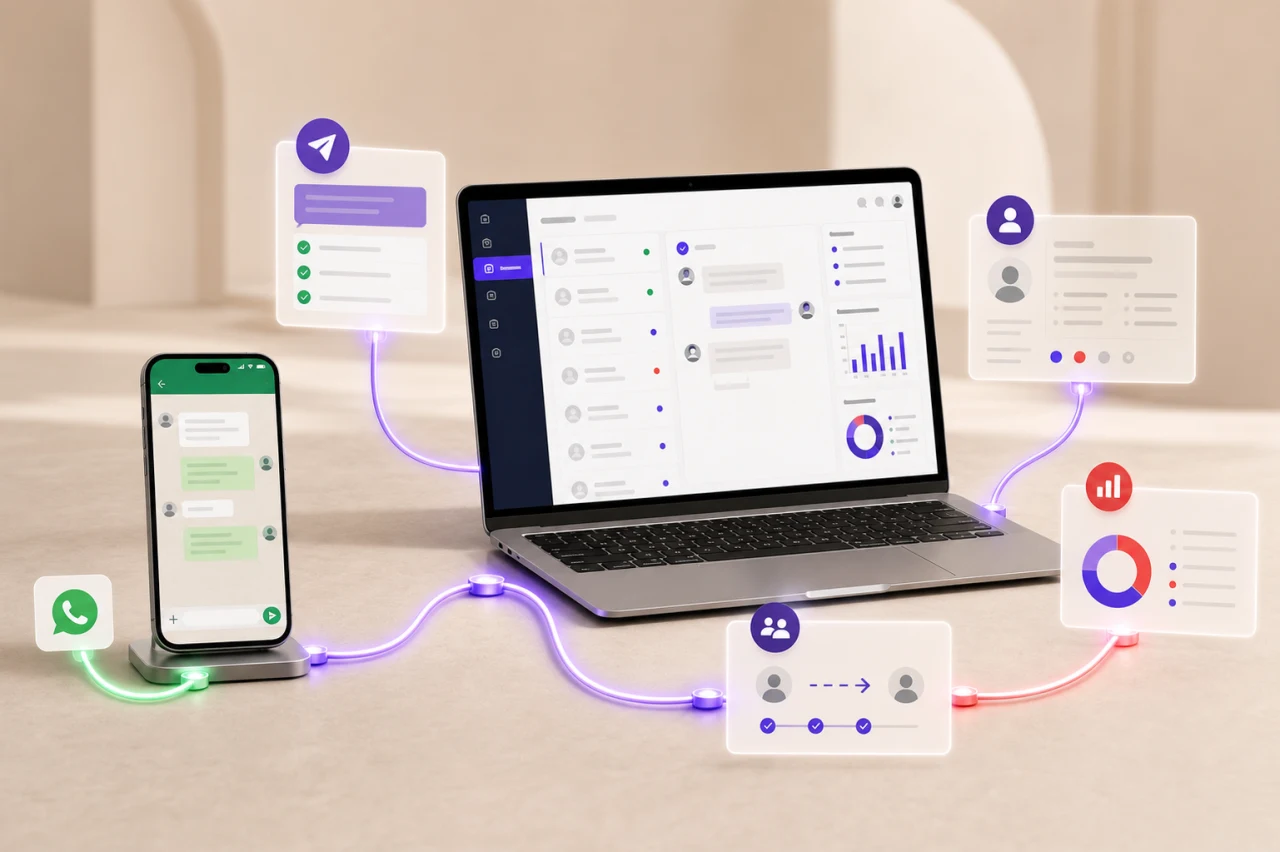
Connect WhatsApp Business, manage conversations as a team, use approved templates, and run automations and campaigns with a clear operating record in Xfatora.
Requires an eligible WhatsApp Business Platform account and Meta connection. Templates, conversations, and charges remain subject to Meta policies.
Approved templatesfor business-initiated messaging
Automationsfor repeatable customer journeys
Logs and analyticsfor operational review
When do you need it?
When WhatsApp is business-critical but ownership, follow-up, and measurement are still informal.
Conversations live on one person’s phone
The team cannot see who replied, who owns the next action, or which conversations are waiting.
Repeated questions consume staff time
Common replies are rewritten manually, while templates and variables are managed in separate places.
Campaigns are disconnected from CRM
Audience, replies, opt-outs, and follow-up are difficult to connect to customer and lead records.
What the module controls
From the first message to routing, automation, and analysis—in one workflow.
Shared team inbox
Read and reply to conversations, assign staff, add internal notes, apply labels, and use canned replies.
WhatsApp templates
Create templates, review their status, load Meta-approved templates, and map variables correctly.
Bots and flows
Use keyword triggers, template bots, and structured flows for repeat questions and data collection.
Campaigns and sequences
Build targeted campaigns, run test sends, schedule delivery, upload CSV audiences, and create drip sequences.
Catalog and orders
Synchronize supported product data with the WhatsApp catalog and review product and order activity.
Governance and control
Apply role permissions, manage opt-outs, review activity and webhook logs, and configure chat retention.
A controlled rollout
Connect and test first, then expand only after the operating flow is stable.
Effective messaging starts with consent and platform compliance.
Message only people who have agreed to hear from you. Keep evidence of consent, use approved templates when required, process opt-outs promptly, and never upload purchased or unverified contact lists.
Prepare Meta
Confirm your business account, Meta app, WABA, and a phone number eligible for connection.
Connect the account
Use Facebook embedded signup or manual credentials, then select the default sending number.
Send a test
Send to your own number in international format beginning with + and confirm the reply is recorded.
Configure the team
Set permissions, routing, business hours, and canned replies before live message volume arrives.
Enable templates and automation
Start with one approved template and one bot, then test both sides of the 24-hour window.
Launch gradually
Begin with a small consented audience, monitor delivery, replies, and opt-outs, then scale.
Connected to the rest of your work
WhatsApp creates more value when each conversation leads to a record and a next action.
WhatsAppLeads
New conversations can become leads with a source, status, and assigned owner.
WhatsAppCRM
Teams can follow the customer and communication context instead of keeping chat isolated.
WhatsAppSupport and projects
Flows can collect responses related to tickets or projects when the operating process is designed for it.
WhatsAppCatalog
Supported product data can be synchronized and orders reviewed without repeating data entry.
Frequently asked questions
What to know before enabling WhatsApp.
Does the module use the official WhatsApp Business Platform?
Yes. It connects to a WhatsApp Business account in Meta. You need an eligible number, valid account, and the required connection permissions.
Can I start a conversation with any phone number?
No. You need valid customer consent, and business-initiated messaging outside the 24-hour service window normally requires a Meta-approved template.
Are Meta messaging charges included in Xfatora?
Module availability depends on your Xfatora package. WhatsApp Business messaging charges follow Meta pricing and policies and are billed separately.
Can several staff members manage conversations?
Yes. The inbox supports team permissions, conversation assignment, labels, and internal notes according to your configuration.
Is AI required?
No. Core inbox, template, campaign, and bot workflows do not require an AI assistant. AI features are optional and require provider configuration.
What should I test immediately after connecting?
Select the default number, send a test to your own international-format number, reply, and confirm both messages appear in the team inbox.
Start with one clear use case.
Bring your business number, one repeated customer question, one template idea, and a small test audience. We will structure the rollout in stages.